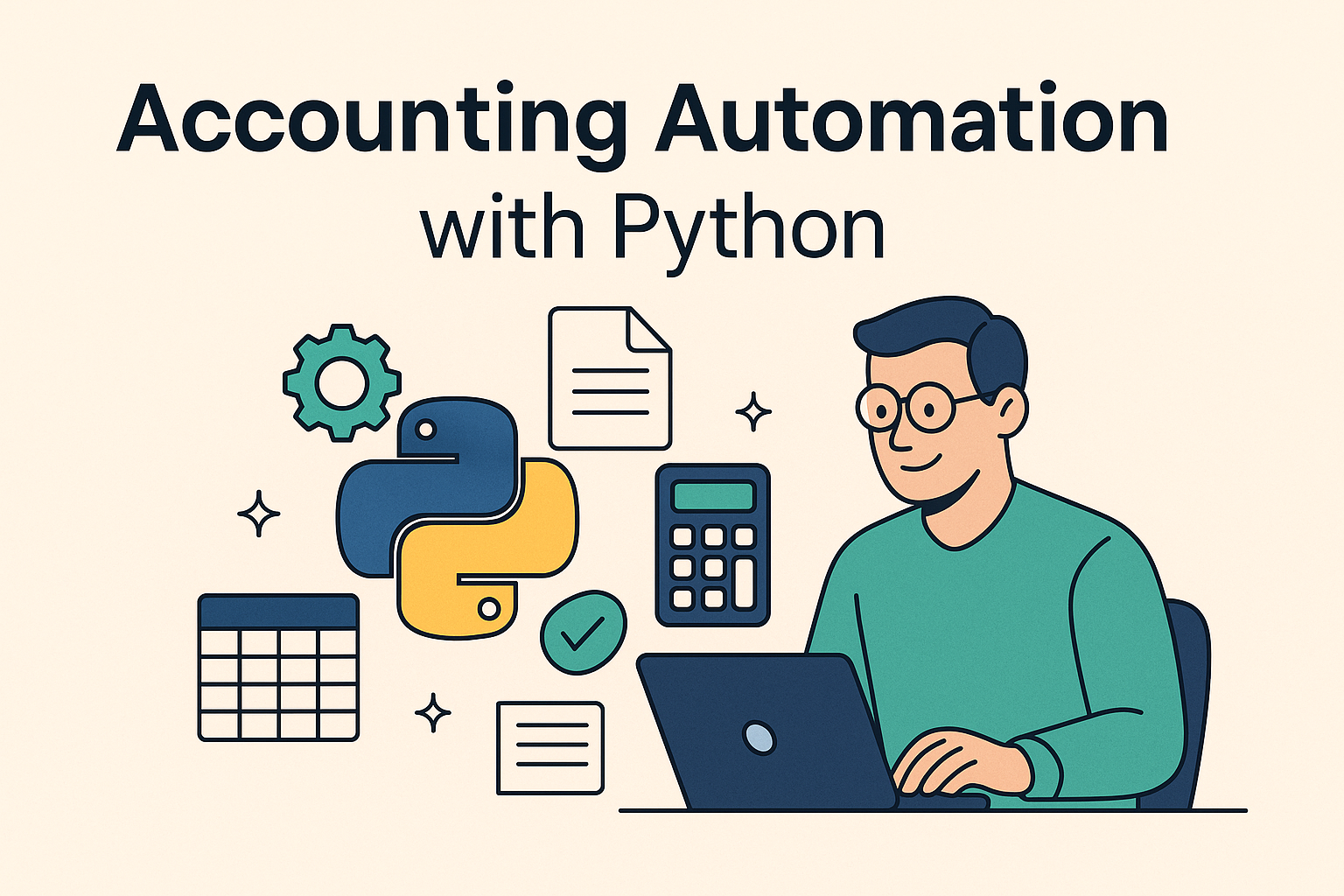
From Spreadsheets to Scripts: My Journey Automating Accounting with Python
My journey into process automation started at an accounting firm, where I quickly found myself buried in repetitive manual tasks and inefficient workflows. From processing invoices to reconciling spreadsheets, I could see how much time was being lost to work that could — and should — be automated.
When I started working there, I spent the first few months organizing paperwork and doing basic data entry. I quickly realized two things:
- Many processes were slow, repetitive, and prone to errors.
- No one seemed to have time to improve them.
That’s when I started asking questions: “Does it really need to be done this way?”, “Where are we losing time?”, “How can we simplify this?”
That curiosity led me to redesign small internal workflows. But there were limits. At some point, I realized automation was the only way to scale those improvements — and that’s how my journey into programming began. I chose Python for its simplicity, elegance, and power: with just a few lines, I could achieve more than hours of manual work.
And I never looked back.
Why Automate Accounting Processes?
Automation isn’t just about saving time. It’s a competitive necessity:
✅ Fewer human errors — Scripts don’t get distracted or misplace columns.
✅ More consistency — The process runs the same way every time.
✅ Scalable efficiency — Workload can grow without doubling the team.
✅ Happier employees — Free time for higher-value tasks like analysis and strategy.
✅ Better compliance — Automatically validate rules and generate audit logs.
✅ Data for decisions — Capture real-time metrics and identify bottlenecks.
Automation doesn’t replace people — it empowers them.
Why Python?
Though it’s often associated with AI and Data Science, Python is a perfect fit for business automation:
🧠 Simple syntax: easy to learn, even for non-developers like accountants.
⚡ High productivity: do more with less code.
🔧 Libraries for everything:
pandas,openpyxl: Excel, CSV, structured datasmtplib,requests: email, APIsfuzzywuzzy,difflib: smart reconciliationspdfplumber,PyPDF2: PDF extractionplaywright,Selenium: browser automation
🌍 Connects with everything: ERP, banks, government portals, web services.
🤝 Massive community: solutions, tutorials, support — always just a search away.
Real-World Examples of Python Automation
💼 Import and consolidate Excel files — hundreds of rows merged in seconds.
🏦 Smart bank reconciliation — match statements using fuzzy logic.
📈 Automated reporting — generate PDFs with charts and send by email.
📥 ERP journal entries via API — connect to the ERP to post transactions from CSV files.
📊 Internal dashboards — lightweight apps with real-time financial data.
🧾 Tax validations — ensure correct VAT, dates, and NIF before submission.
What About JavaScript/Node.js?
JavaScript, with its Node.js runtime, can also be a good option for automating processes — especially in companies with strong web development teams. It’s a versatile language, backed by a large community, capable of handling both simple scripts and complex applications.
However, when it comes to back-office automation — reading files, integrating systems, processing structured data — Python stands out for its simplicity and power.
JavaScript shines in user interfaces and interactive tools, while Python is the go-to for silent, background automations that handle large volumes of data elegantly.
Both languages can coexist and complement each other. But for those coming from business or accounting roles, and looking to automate daily tasks, Python remains unbeatable thanks to its easy learning curve, library ecosystem, and productivity focus.
The Key Is Internal Knowledge
The biggest competitive edge isn’t code — it’s knowing the process. When someone from inside the team understands the business and can code, they can build truly useful, tailored solutions.
That was my case: by understanding accounting workflows, I could apply Python to solve real problems. And that’s what many SMEs need: technology with context.
We’re here to solve problems — that’s why automation (and even AI) won’t replace people, but rather empower them. Automating means giving people the right tools to focus on what really matters and make higher-impact decisions.
Conclusion
Automating accounting isn’t just about saving time. It’s about building systems that are efficient, reliable, and human-centered.
If you’re a company, invest in hybrid talent — people who understand the business and can code in Python.
If you’re an accounting professional, learn to code. You don’t need to be an engineer — just start small. That’s how I did it.
Python taught me that automation is about taking better care of the work, the people, and the future of business.
Ready to explore how Python automation can save time, reduce errors, and bring real value to your accounting workflows? Let’s connect! Feel free to reach out via LinkedIn or check out some of my projects on GitHub. I’m always up for sharing ideas or collaborating on meaningful automation challenges.